Lender Compilation Add-On
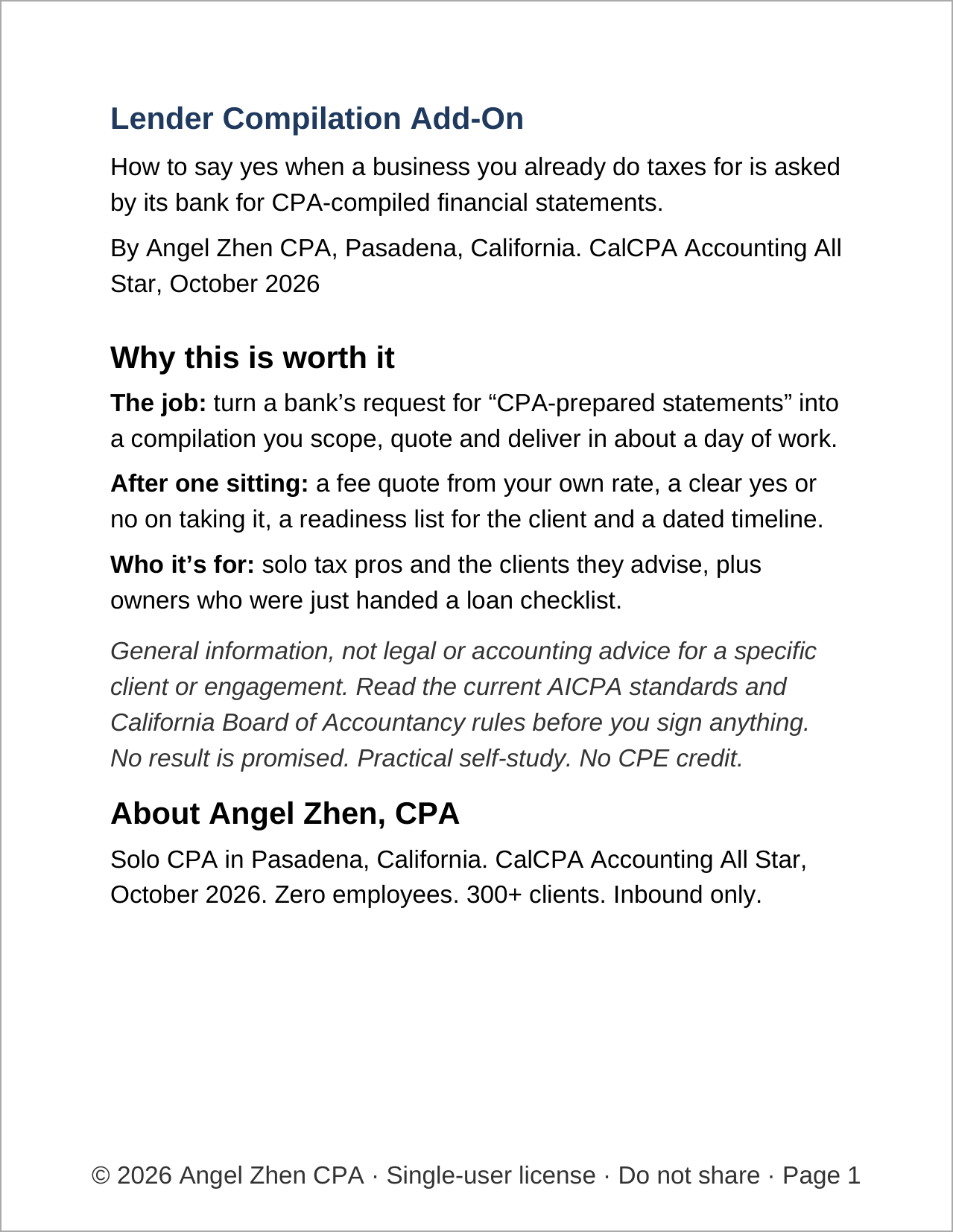
Turn a bank's request for CPA statements into a compilation you scope, quote and deliver.
What it is
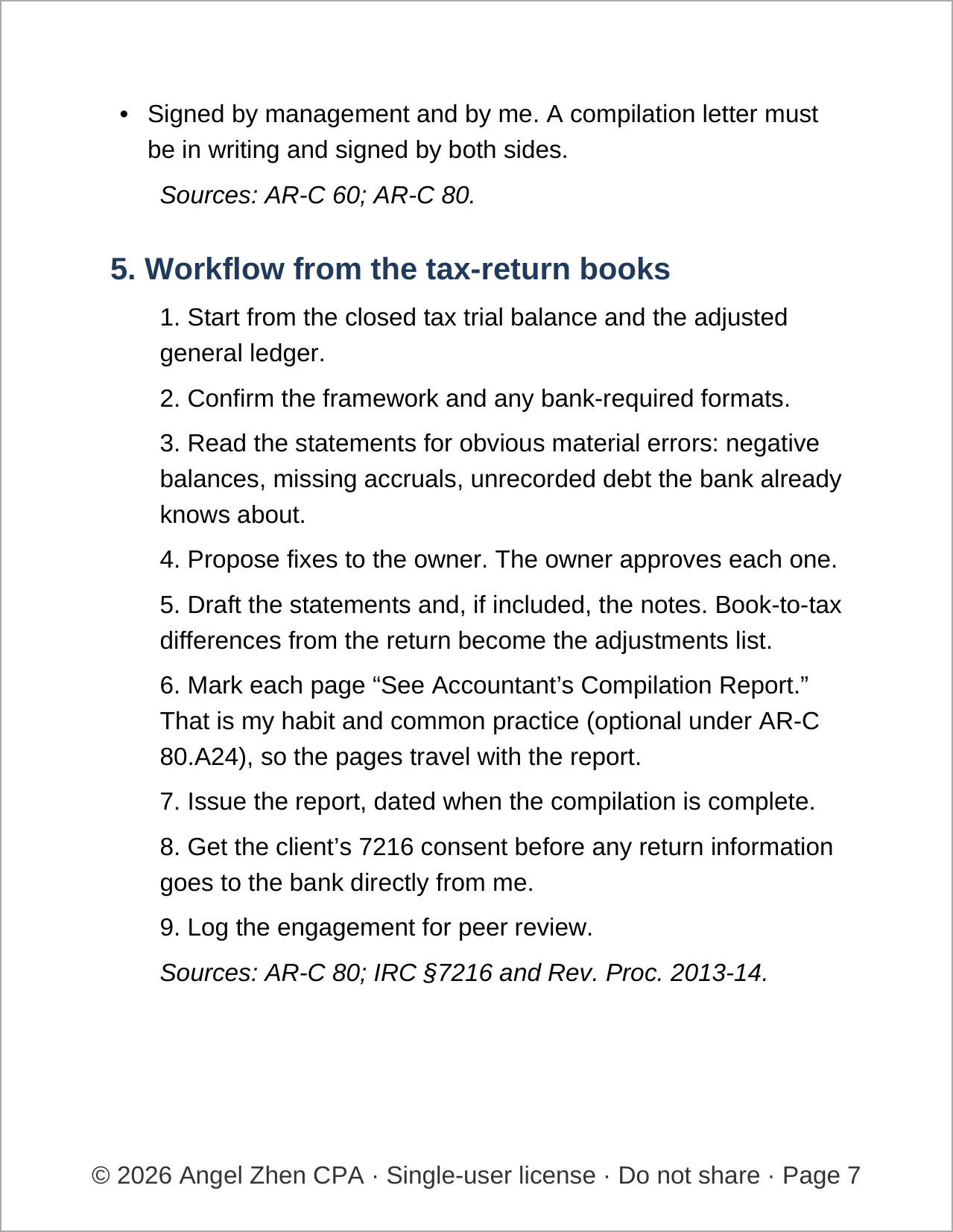
A kit for the business client whose bank asks for CPA-compiled financial statements. It shows how to confirm what the lender's wording actually asks for, scope and quote the compilation, and build it from the books you closed for the tax return, in about a day of work.
Who it's for
Solo tax pros with business clients facing a loan, lease or contract checklist, plus owners who were just handed one.
What's inside
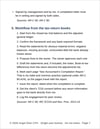
- Guide (PDF, 11 pages): when to raise it, what to say to the client, scoping and fees, engagement letter terms, a workflow from the tax-return books, independence and peer review rules, red flags and when to say no, and a worked example with a made-up client
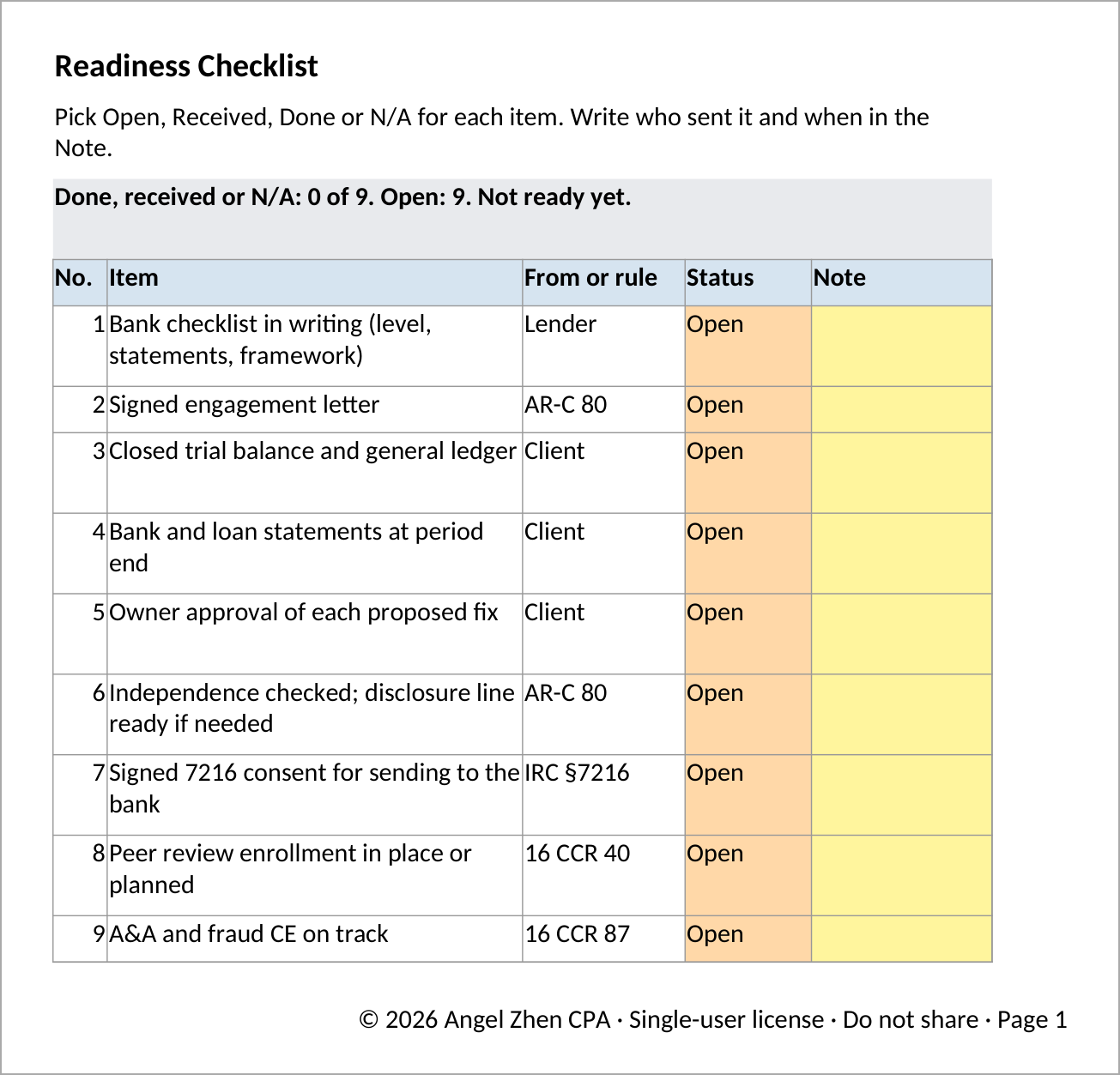
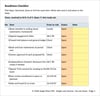
- Excel workbook with six tabs: License, Start Here, Scope and Fee, Readiness (9 items), Timeline and Red Flags (6 flags)
- One-page reference sheet for your desk (PDF)
- Stop questions on the Scope and Fee tab, including whether a peer review plan is in place for your firm
- Notes on bank forms that ask you to certify, what to do when the bank wants independence and you are not independent, and the 7216 consent before return information goes to a lender
How to use it
- Read the client's request word for word: preparation, compiled, reviewed or audited, and which statements.
- Open the Scope and Fee tab, enter your own hourly rate and the job details, and answer the stop questions. The tab gives total hours, a rounded quote and a Go or Stop result.
- Send the client the Readiness checklist so they know what you need.
- Enter the start date and deadline on the Timeline tab to get the working dates.
- Mark any Red Flags before you sign the engagement letter, then follow the workflow in the guide.
Basis
Built on the current AICPA standards and the California Board of Accountancy rules listed on the Sources page of the guide. Verify current standards before you rely on it.
License
Single-user license. Licensed to the original purchaser for use in their own practice. One purchase = one user. Do not share, resell, or post.
Practical self-study. No CPE credit.
General information, not legal or accounting advice for a specific client or engagement. Read the current AICPA standards and California Board of Accountancy rules before you sign anything. Fee ranges inside are Angel's own practice estimates, not market data.
Support
Questions? Use the Contact link at the bottom of this page.
Built by Angel Zhen, CPA, a solo tax pro in Pasadena, California. Recipient of CPA.com's 2025 Digital CPA Innovative Practitioner Award (Dec 8, 2025). CalCPA Accounting All Star, October 2026.
All sales final.