

Solo Tax Pro Morning Triage Kit
Turn your open client work into a clear plan for today.
A paste-ready AI prompt, one-page worksheet, and short guide for solo tax pros. Paste today’s date, your available hours, and messy task notes into any AI chat. Get bucket counts, a five-line morning brief, up to three next actions, a task table, and short client follow-up drafts when the notes support them.
AI Native CPA · Angel Zhen, CPA
Who it’s for
Solo tax pros who juggle real estate investor and high-income solopreneur clients and want a calm start to the day without building automations or learning new software.
What you get
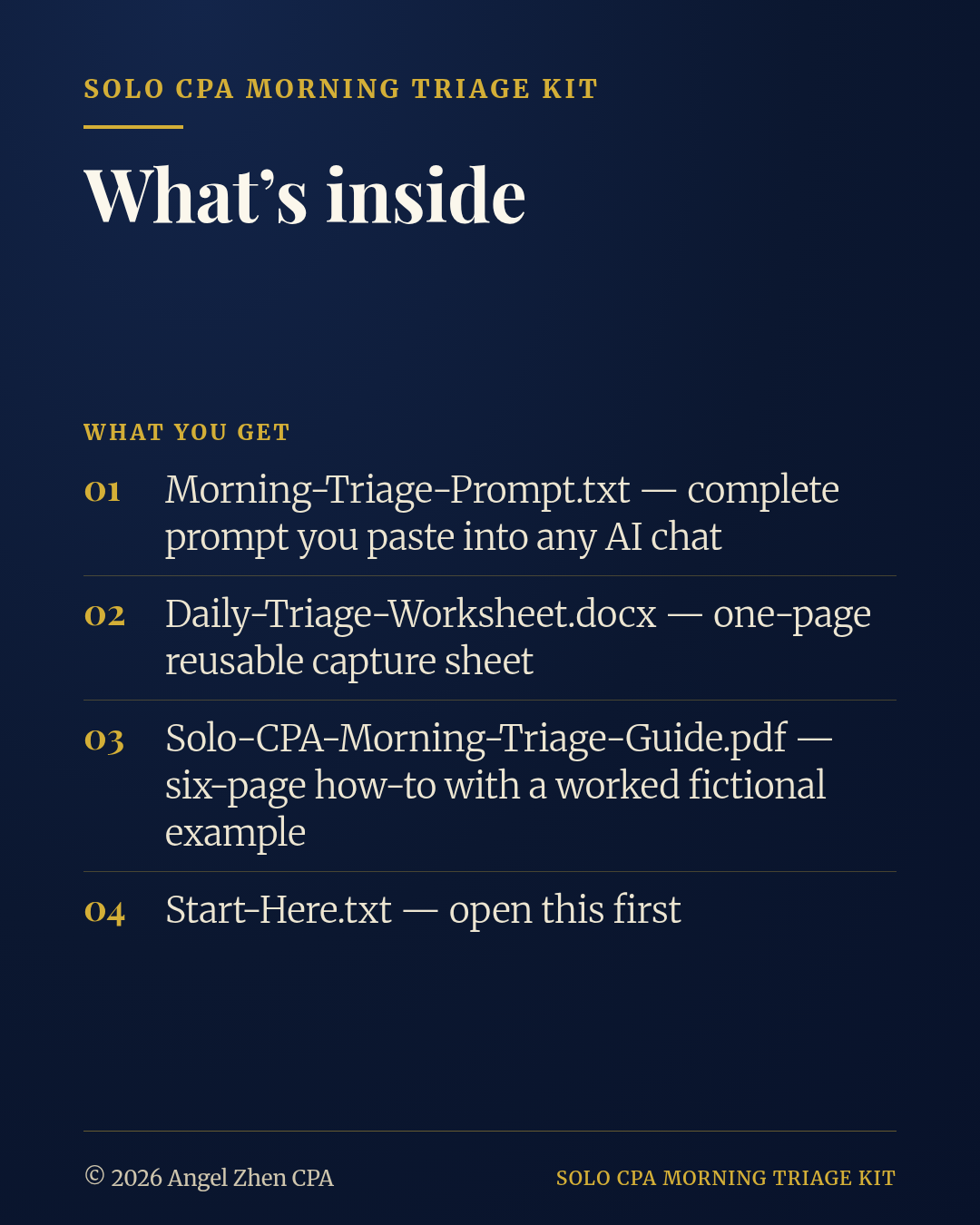
• Morning-Triage-Prompt.txt — complete prompt you paste into any AI chat
• Daily-Triage-Worksheet.docx — one-page reusable capture sheet
• Solo-Tax-Pro-Morning-Triage-Guide.pdf — 12-page how-to with a worked fictional example
• Start-Here.txt — open this first
This is a prompt kit plus worksheet and guide. It is not an autonomous agent. It does not connect to your email, tax software, or portals.
Fictional before / after (8-task morning)
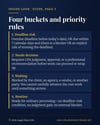
Before: Eight open items across rental portfolios and solopreneur clients. One overdue memo, a vendor list stuck on missing TINs, two judgment calls, two waits on other people, and two routine reconciliations. Four hours on the calendar. No clear order.
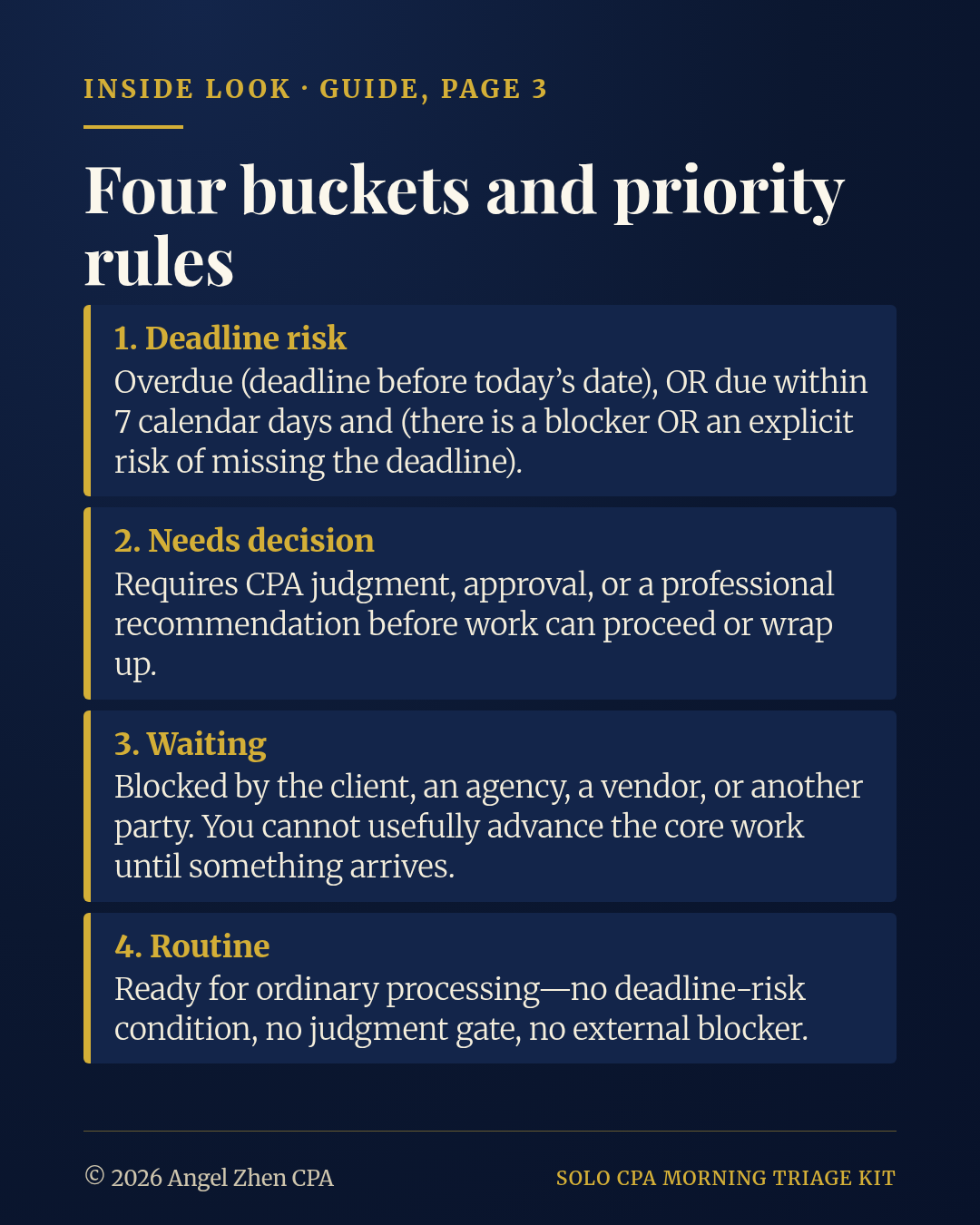
After (using this kit on that same list): Counts show 2 deadline risk, 2 needs decision, 2 waiting, 2 routine. The brief names the overdue memo and the Oct 8 TIN chase first. Three next actions fit a realistic slice of a 4-hour day. Two short draft follow-ups are ready to edit. Routine work stays visible without pretending it is urgent.
FAQs
How long does setup take?
Open Start-Here.txt, copy the prompt into any AI chat, and paste today’s notes. Most people are running their first triage in a few minutes.
Do I need special software?
No. Any AI chat that accepts pasted text works. The worksheet opens in Microsoft Word, Google Docs, or other .docx editors.
What about sensitive client information?
Use client aliases (e.g. “Rivera RE LLC”). Do not paste SSNs, EINs, account numbers, or other sensitive identifiers.
Can I change the prompt?
Yes. Keep hard rules that forbid inventing deadlines, filing status, or completed work.
Does it run automatically?
No. You paste notes and review output each morning. Nothing sends messages or files returns on its own.
Also at www.ainativecpa.com