Year-End Tax Planning Kit (2026)
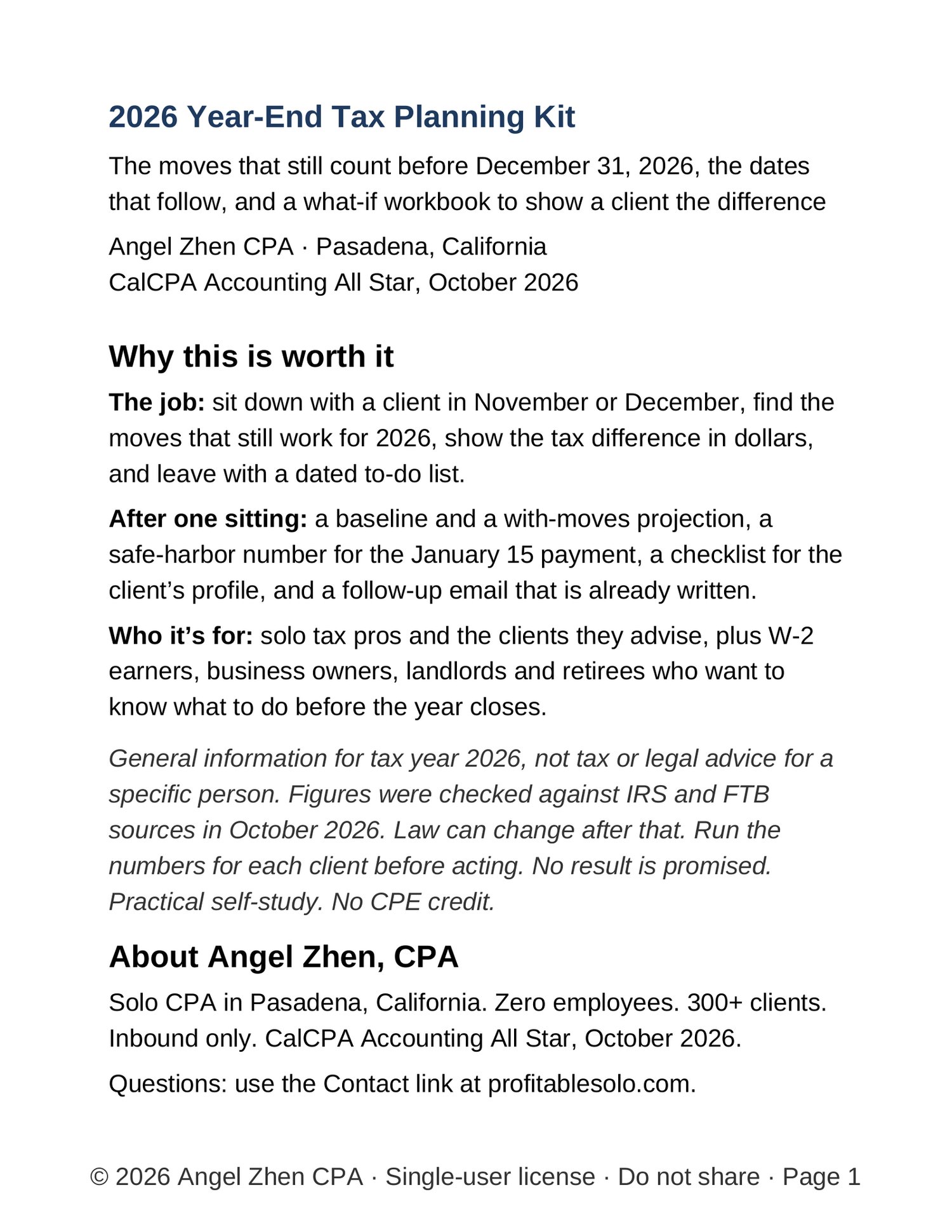
Find the 2026 moves that still count before December 31, show the client the tax difference, and leave with a dated to-do list.
What it is
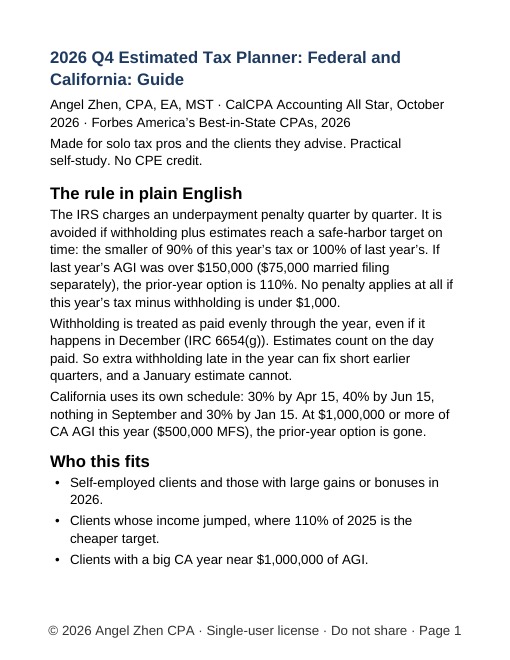
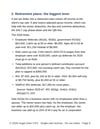
A kit for the November and December client review. It covers the year-end moves that still work for tax year 2026 under P.L. 119-21, a what-if workbook that shows a client's federal tax before and after the moves, the safe-harbor number for the January 15, 2027 payment, and the dates that follow through October 2027.
Who it's for
Solo tax pros, CPAs and EAs who advise W-2 earners, business owners, landlords and retirees at year-end.
What's inside
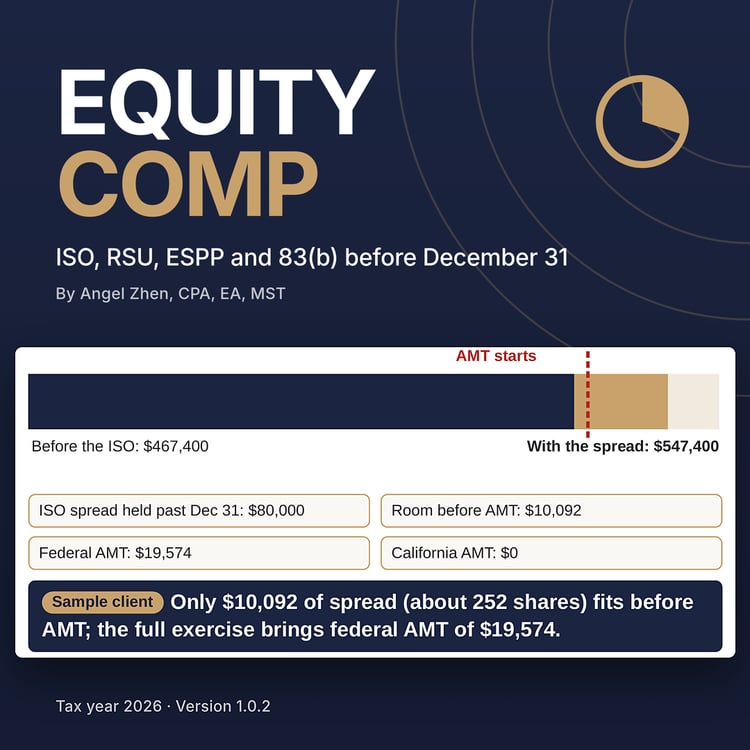
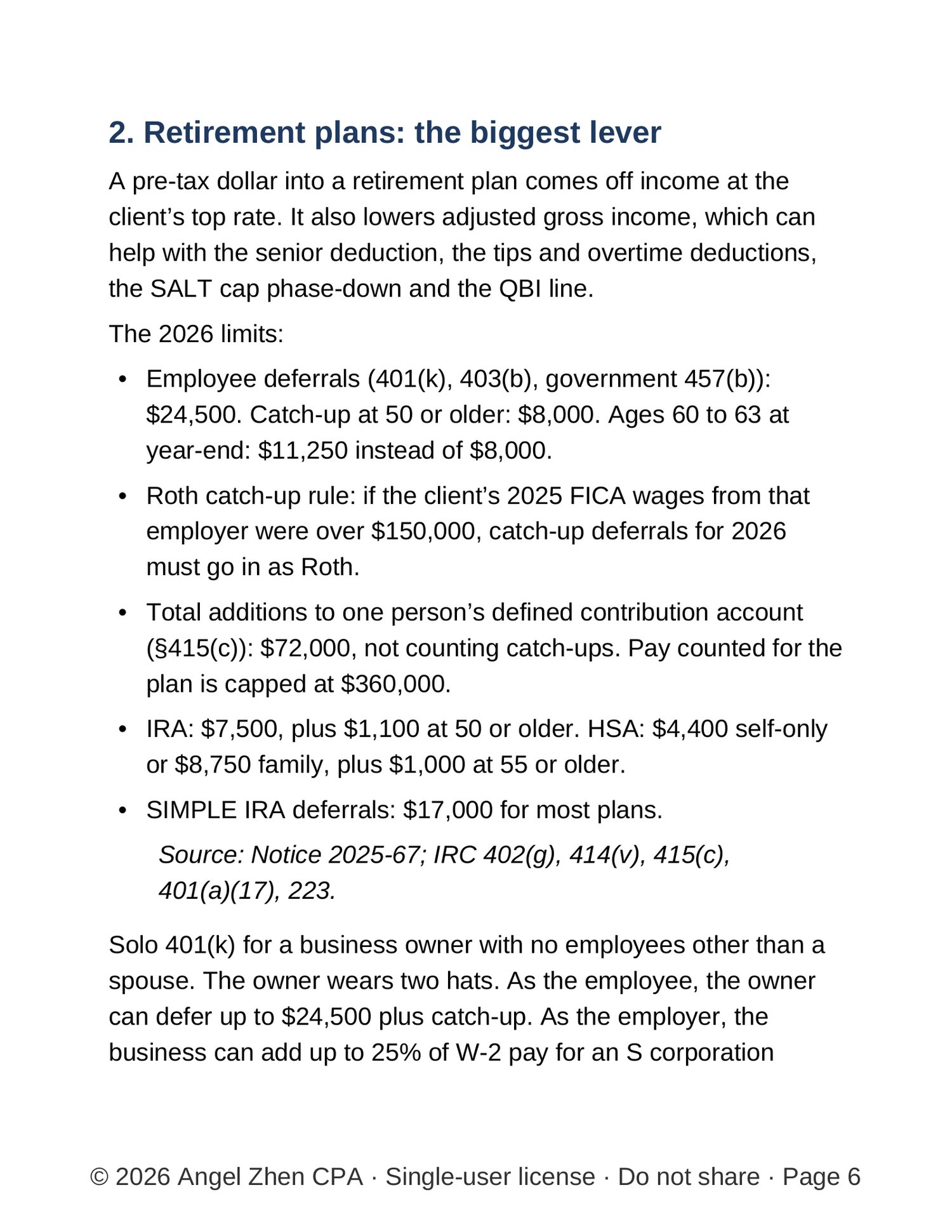
- Guide (PDF, 30 pages): retirement plans and Solo 401(k) deadlines, S corporation owner pay and the California PTE elective tax, bonus depreciation and Section 179, QBI, the SALT cap, the new charitable rules, investments, crypto and Form 1099-DA, Roth conversions, family gifts and Form 709, estimated tax and the January 15 number, the Schedule 1-A deductions, checklists by client type, a dated calendar, and a client email and talking script
- Excel workbook with eight tabs: License, Start Here, Checklist (35 items across W-2, business owner, real estate investor and retiree), What-If (baseline and with-moves columns), Helpers (equipment deduction, family gifts, California June 15 PTE payment), Calendar (14 dates from November 2026 to October 2027), Client Script and Sources
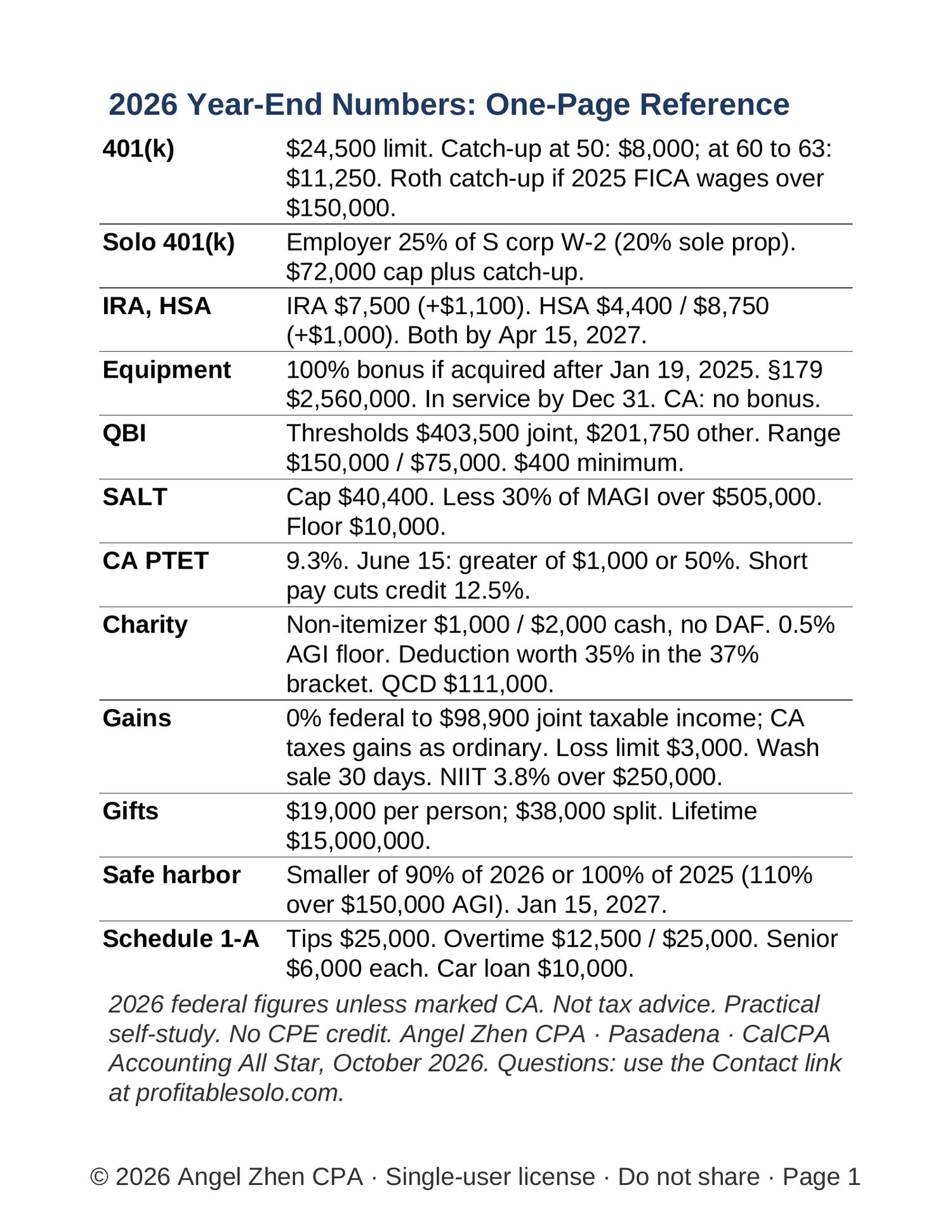
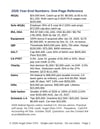
- One-page sheet of the 2026 numbers for your desk (PDF, 1 page)
- A worked example with a made-up joint-filing couple and their S corporation, already entered in the workbook
How to use it
- Pick the client's profile on the Checklist tab and mark each item Open, Done, Not needed or Ask.
- On the What-If tab, fill the baseline column from the client's year-to-date numbers projected to December 31.
- Fill the with-moves column with the same numbers, then change only the moves you are testing. The tax change shows in the result rows.
- Use the Helpers tab for the equipment deduction, the gift exclusion and the California June 15 payment check.
- Send the client email from the Client Script tab a week ahead, then send the recap with the dated list the same day as the review.
The What-If tab covers Single, Married Filing Jointly and Head of Household returns. AMT, the 0.9% Medicare surtax, credits and state tax are left for your tax software.
Basis
Built on P.L. 119-21, Rev. Proc. 2025-32, Notice 2025-67, Rev. Proc. 2025-19, IRS publications and the FTB pages listed on the Sources tab and in the guide, checked October 2026. Law can change after that. Verify current law before you rely on it.
License
Single-user license. Licensed to the original purchaser for use in their own practice. One purchase = one user. Do not share, resell, or post.
Practical self-study. No CPE credit.
General information for tax year 2026, not tax or legal advice for a specific person. Run the numbers for each client before acting. No result is promised.
Support
Questions? Use the Contact link at the bottom of this page.
Built by Angel Zhen, CPA, a solo tax pro in Pasadena, California. Recipient of CPA.com's 2025 Digital CPA Innovative Practitioner Award (Dec 8, 2025). CalCPA Accounting All Star, October 2026.
All sales final.